Your own apps, built for exactly what you need
A planner for the road trip you’re taking next month. A tracker for your six-month fitness goal. Tell Claude, ChatGPT or Gemini what you need — CanvasRunner turns it into a real app on your phone. Private, offline, made for one person: you.
 Free — up to 3 apps backed up. Pro coming soon.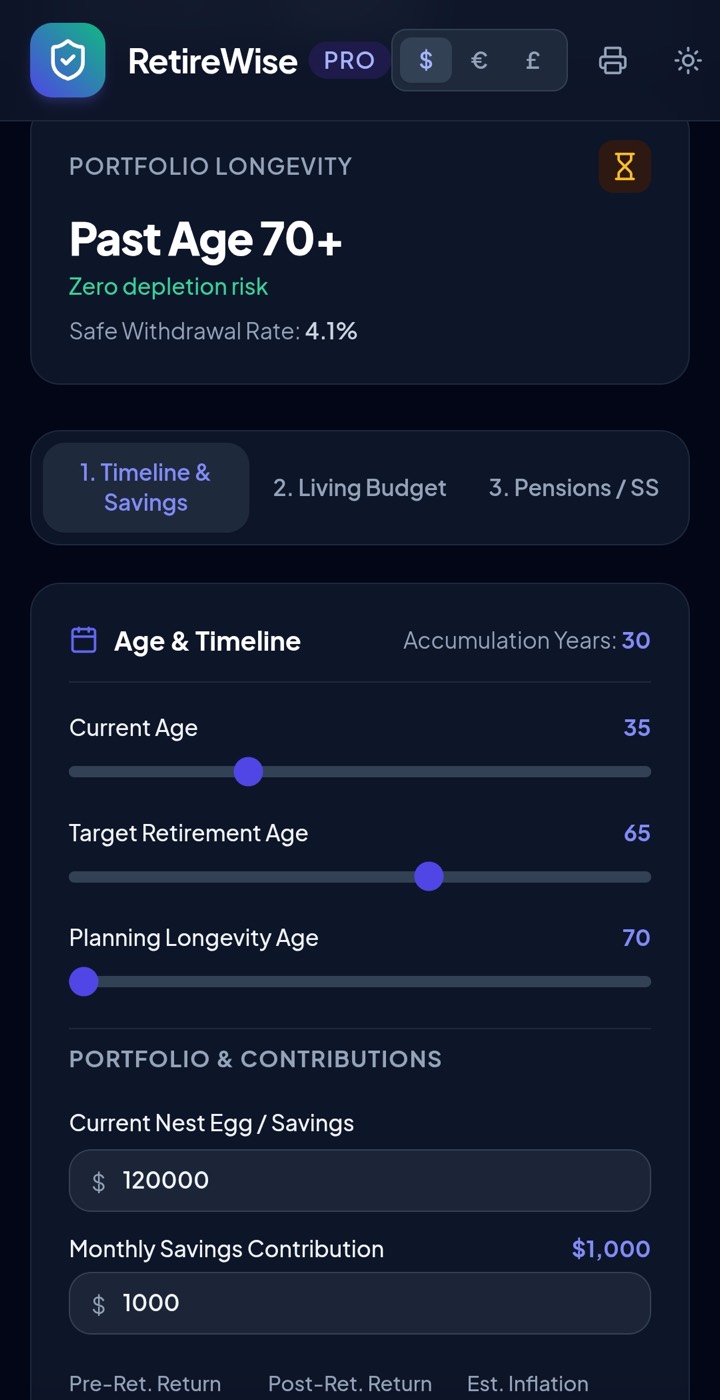
Works with Claude and Claude Artifacts, ChatGPT and Gemini — or any app you can copy text from.
Made for you — not for a million users
App-store apps are built for everyone, so they’re full of things you don’t need. The apps you build here do one job — yours — with no sign-up walls, no ads, and no upsells.
From idea to app in a minute
No build step, no deploy, no link to open. Four moves.
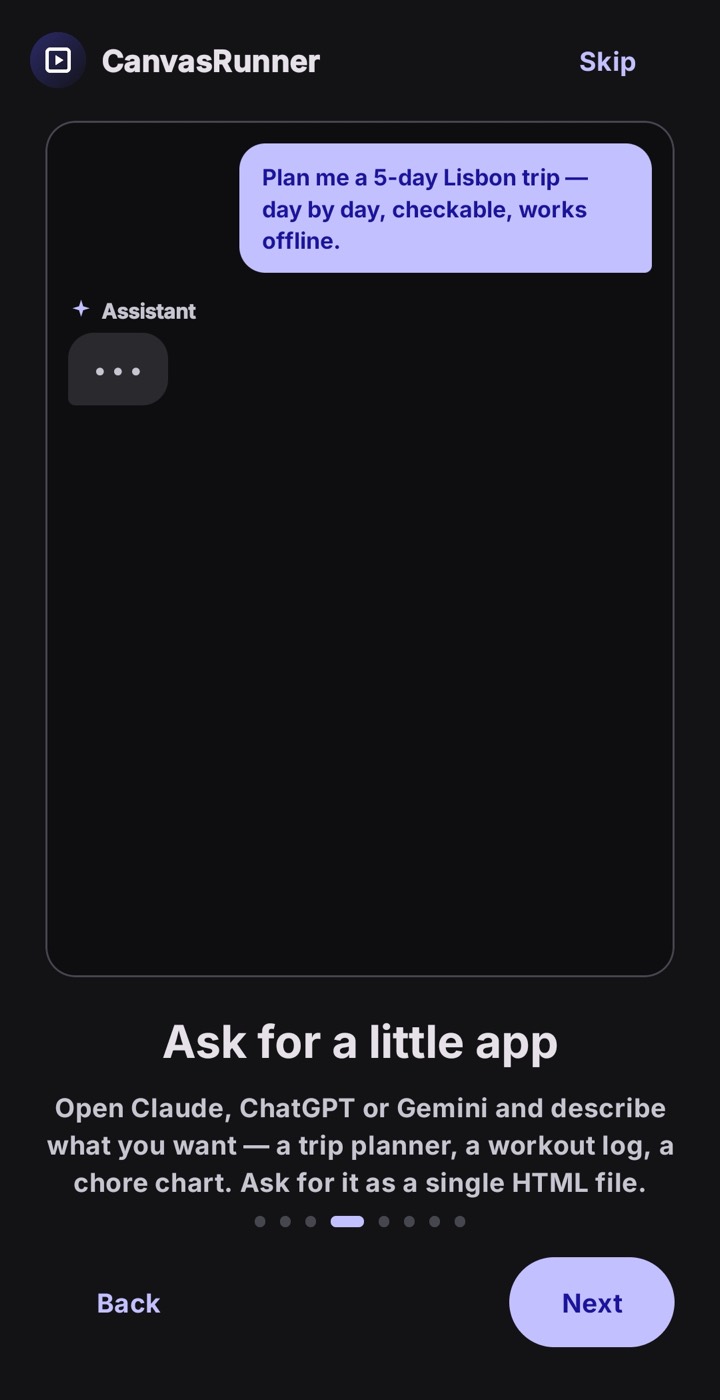
Ask Claude, ChatGPT or Gemini for a single self-contained app — a trip planner, a workout log, a chore chart.
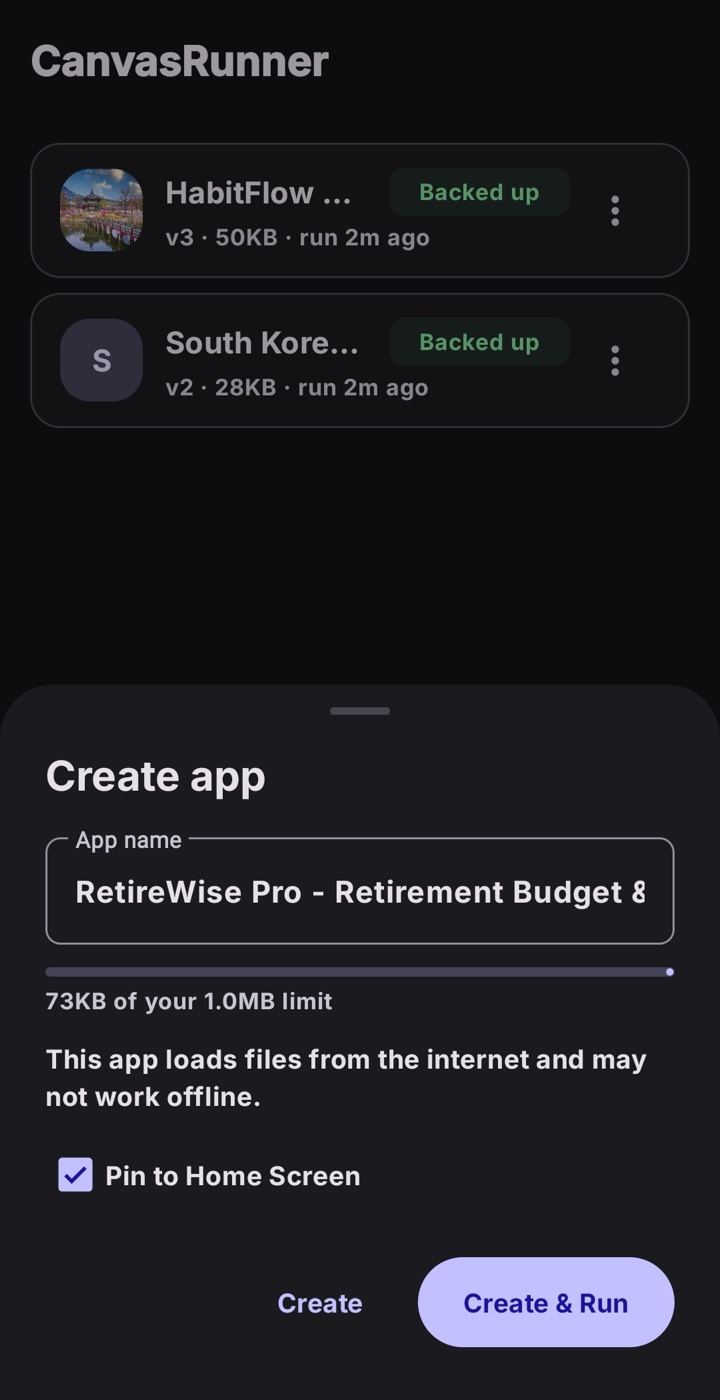
Share it from your assistant’s app, or copy it and let CanvasRunner pick it up. You confirm the name — it never auto-creates anything.
It opens straight away in a private sandbox on your phone. No account needed to run one.
Give it an icon and it launches full-screen like any installed app — and lingers in Recents.
Not a bookmark. An app.
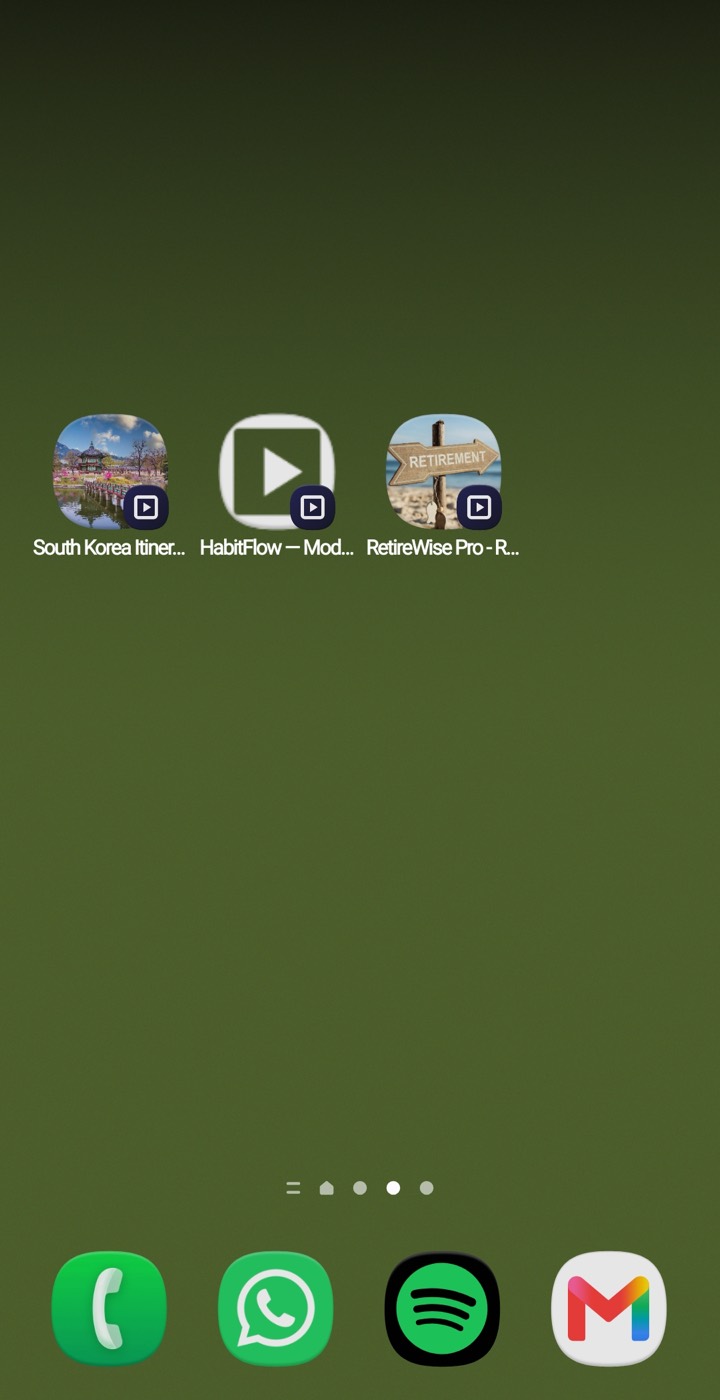
Pin an app and it gets its own home-screen icon, opens full-screen with no address bar or tabs, and shows up in the Recents switcher on its own — the way a real installed app does.
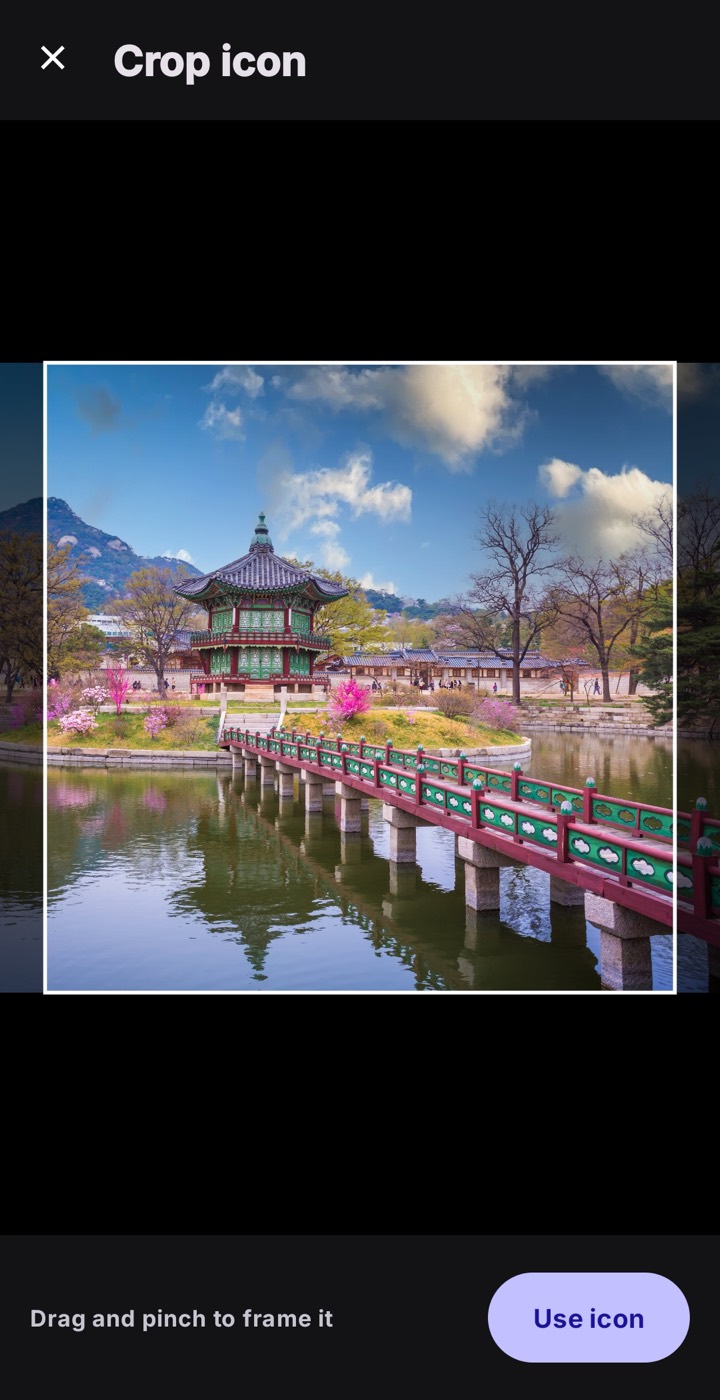
Swap the icon for a photo or a logo, framed with a quick pinch-to-crop. Your trip planner can look like your trip.
Not quite right? Change it.
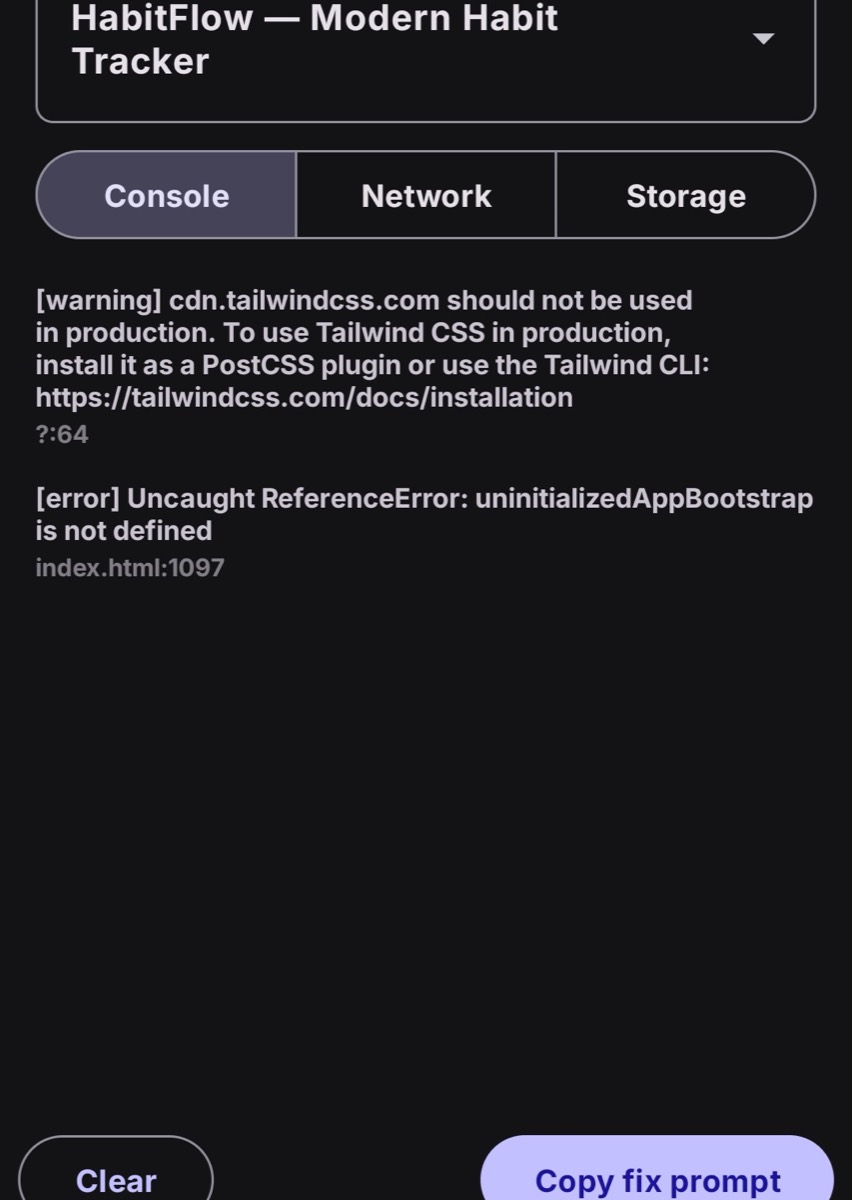
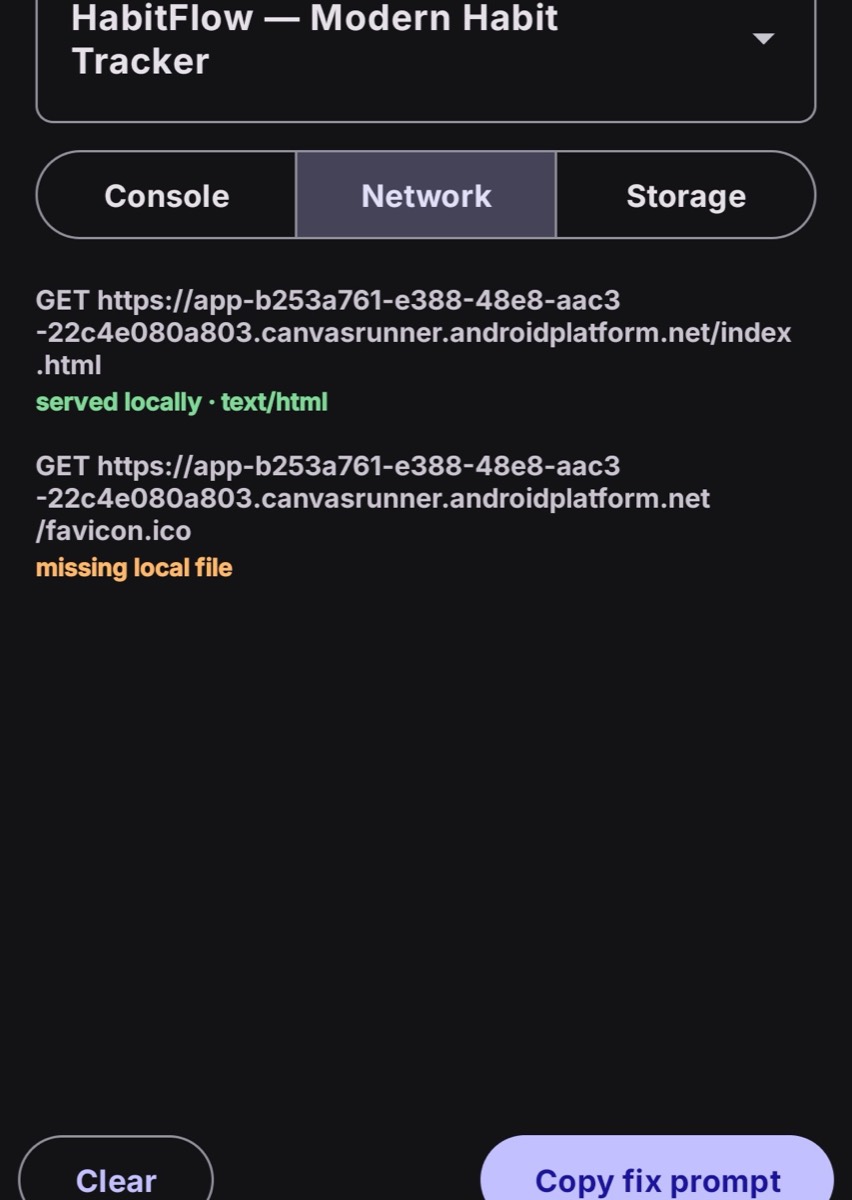
Open any app in the Inspector: a real JavaScript console, a network log that shows what loaded locally, and a storage view — the kind of thing Android won’t give you without a USB cable and desktop Chrome.
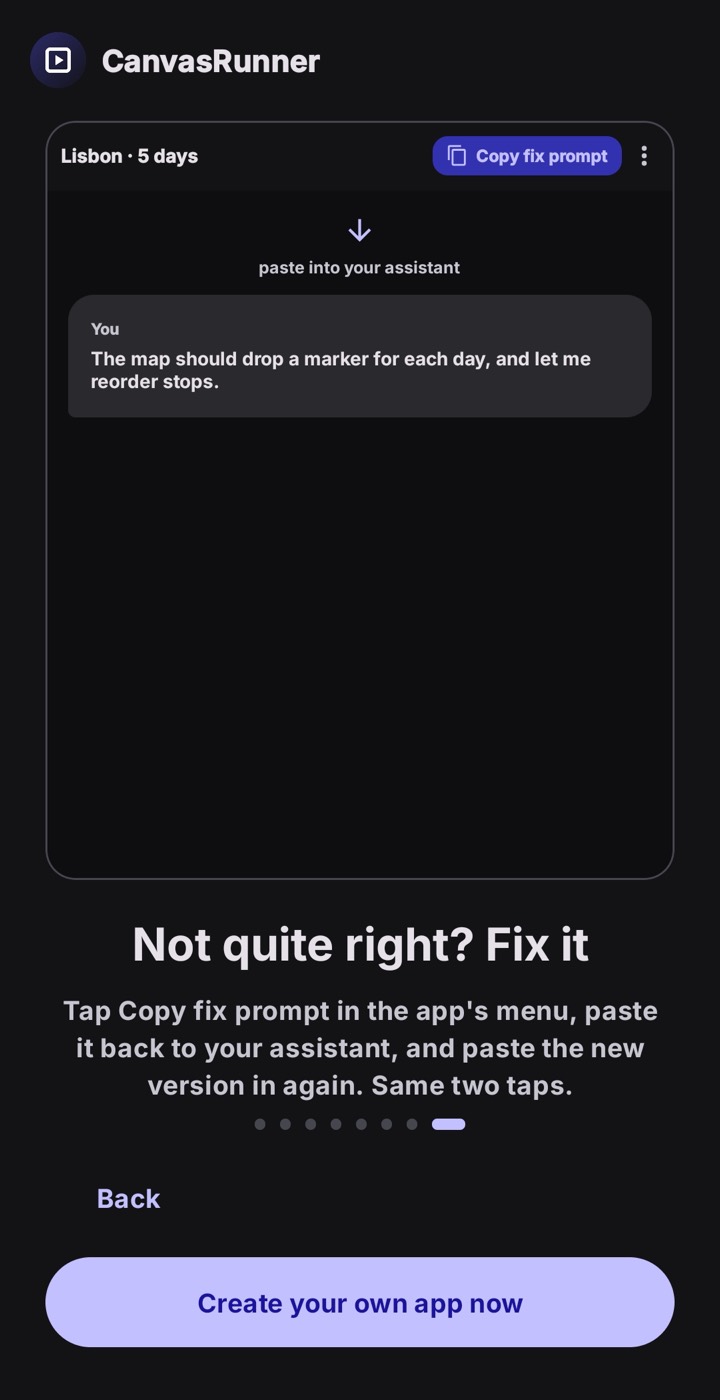
When something’s off, tap Copy fix prompt, paste it back to Claude, ChatGPT or Gemini, and paste the new version in. Your trip planner keeps up as the trip takes shape.
Offline, and it remembers
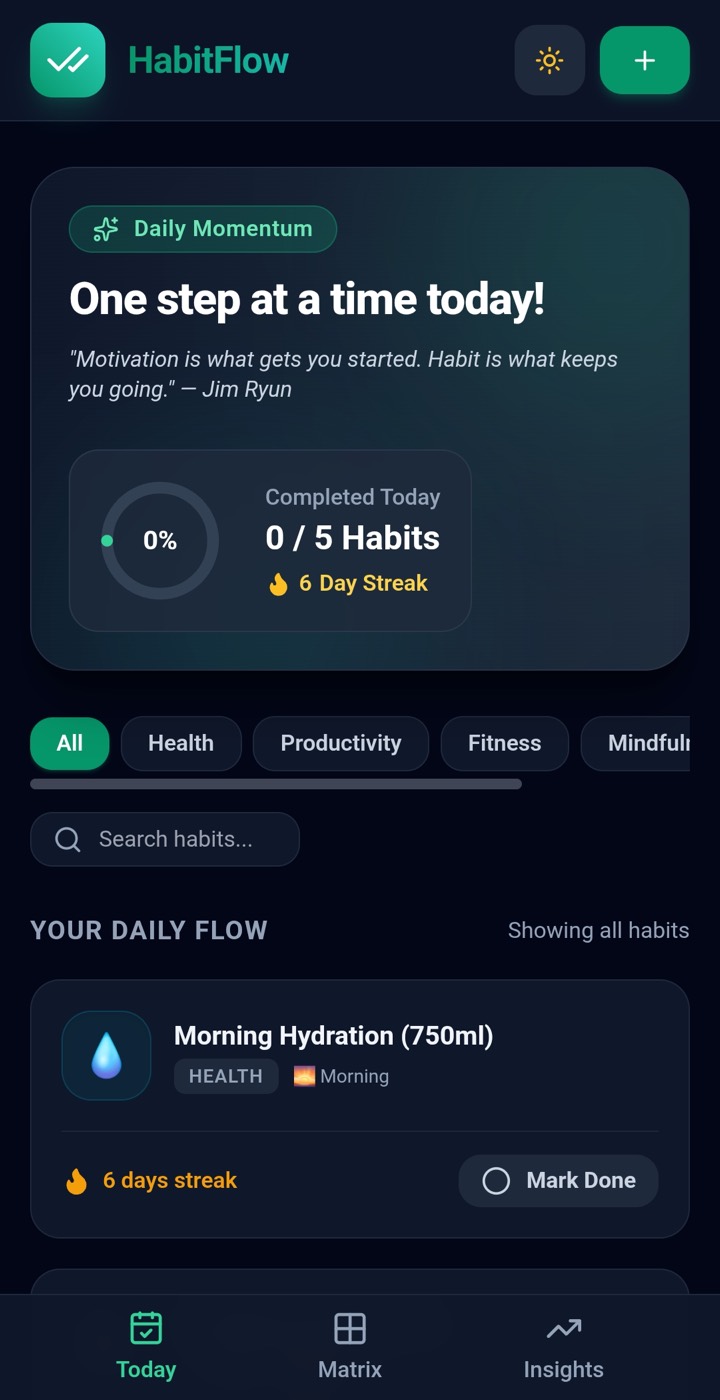
Every app runs on your device, so it keeps working on a plane, on the trail, or with the data switched off. Close it and reopen it next week — your entries, streaks and settings are still there.
Notifications, vibration and location work too, when one of your apps asks for them. That data never leaves the phone.
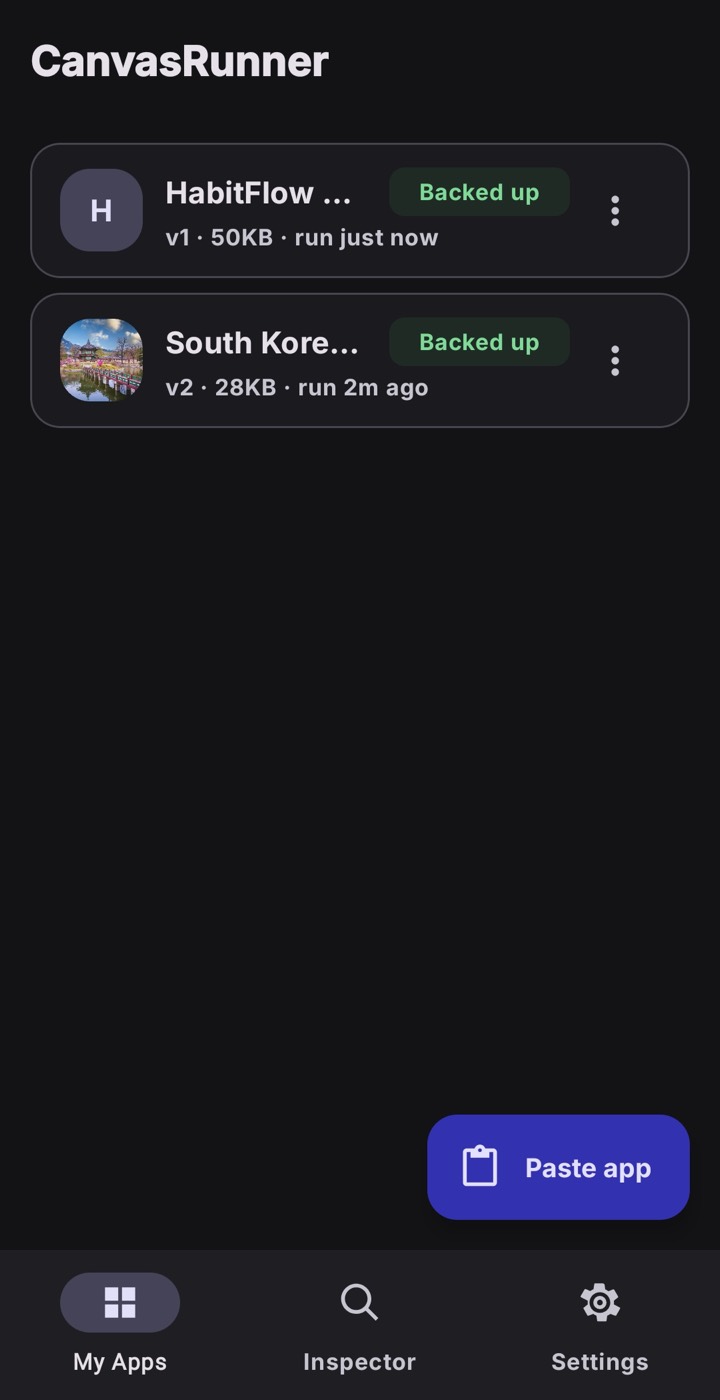
A shelf of apps only you have
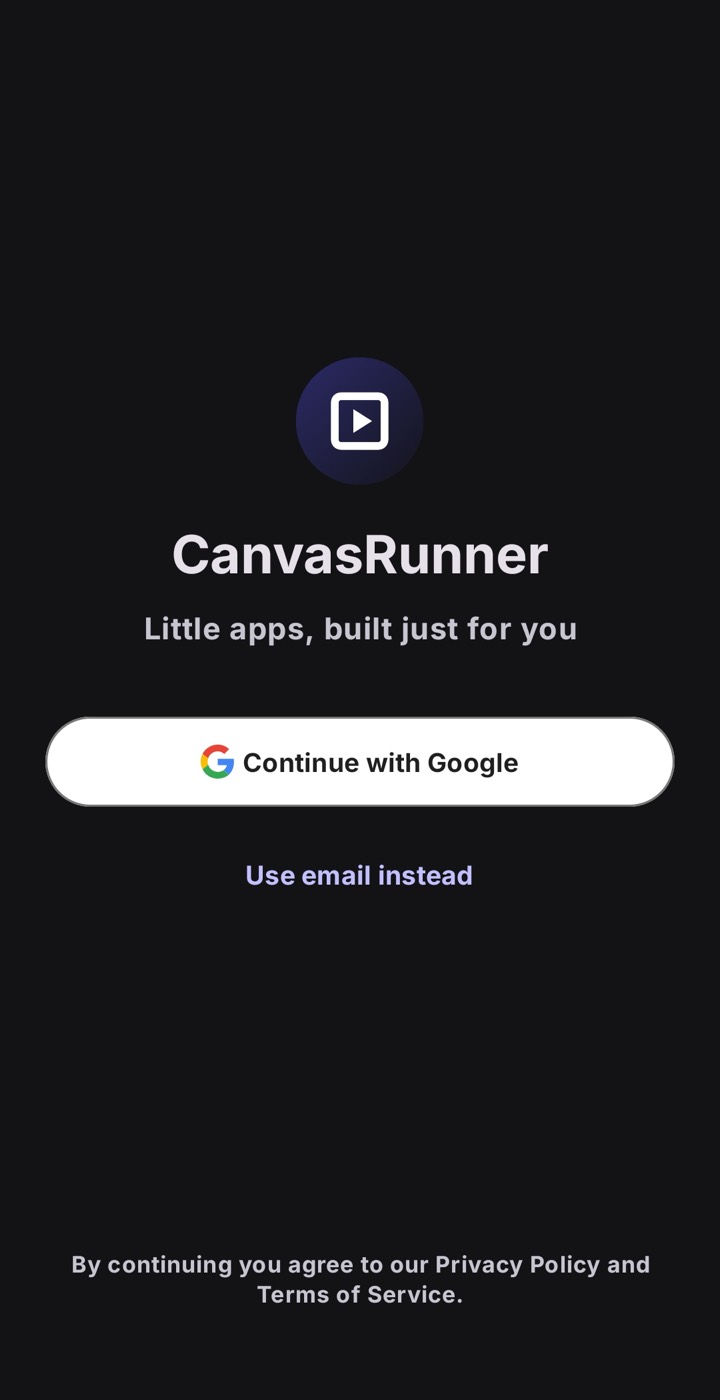
Sign in with Google or email and your apps back up privately to your account, so they follow you to a new phone. Sign out and the local copies clear; the backup stays put.
Delete one app, or your whole account and everything in it, from Settings whenever you like. It’s your data.
Nothing is watching you use it
Personal apps should feel personal. CanvasRunner is built so the apps you make stay between you and your phone.
None, anywhere. Nothing to dismiss, nothing tracking a tap.
The app collects no usage data, no advertising ID, no crash reports.
Account email and synced apps live on Supabase in the EU, encrypted in transit.
Remove an app or your whole account from inside the app — immediately, no recovery window.
What people build
Small, specific, and disposable when you’re done. A few real ones:
“Plan me a 5-day Lisbon trip — day by day, checkable, works offline.”
A trip planner“A habit tracker with streaks and a weekly grid. Green theme.”
A habit tracker“A retirement calculator with sliders and a few stress-test scenarios.”
A money model“A weekly chore chart for a family of four, tap to mark done.”
A chore chart“A packing list for a winter trip, grouped by bag.”
A packing list“A reading log with a page-count goal and a little progress bar.”
A reading logA quick tour on your first run
Eight short screens walk through asking for an app, bringing it in, running it, and fixing it. Replay it any time from Settings.
Questions
What is CanvasRunner?
CanvasRunner is an Android app for running small, single-purpose apps you build for yourself. You describe the app to an AI assistant such as Claude, ChatGPT, or Gemini, then share or paste the result into CanvasRunner, which runs it locally on your phone.
Which AI assistants does it work with?
Claude (including Claude Artifacts), ChatGPT, and Gemini — or anything else you can copy text from. CanvasRunner is not affiliated with those providers; it just runs the app they produce.
Do I need an internet connection?
No. Your apps run locally and work fully offline. An internet connection is only used for optional account sign-in and backing up your apps.
Is CanvasRunner free?
Yes. CanvasRunner is free on Google Play, with up to 3 apps backed up to your account. A Pro tier with more room is coming soon.
What kind of apps can I build?
Small tools made for one person: a day-by-day trip planner, a workout or habit tracker, a personal budget, a packing list, a retirement calculator, a chore chart. Anything an assistant can produce as a single self-contained HTML file.
Can I put an app on my home screen?
Yes. Pin any app and it gets a home-screen icon, launches full-screen with no browser chrome, and appears in the Recents switcher as its own app. You can give it a custom icon, cropped in the app.
Is it safe to run AI-generated code?
Each app runs in an isolated local sandbox on your device, separate from your other apps and from CanvasRunner itself. As with any code from an untrusted source, review what an assistant gives you before relying on it.
Does CanvasRunner track me or read my data?
The app has no analytics, no advertising ID, and no usage or crash tracking. Your account email and the apps you choose to back up are stored on Supabase in the EU. You can delete any app, or your whole account and all its data, from inside the app.
What happens to my apps if I get a new phone?
Sign in on the new phone and your backed-up apps download to it. The copy on your old phone is independent — signing out removes the local copy but never touches the backup.
Is CanvasRunner a web browser?
No. It does not open, embed, or proxy any third-party website. It only runs apps that you authored.
CanvasRunner does not proxy, embed, or render any third-party website. Every app it runs is authored by you.
Android · free on Google Play